How report results?
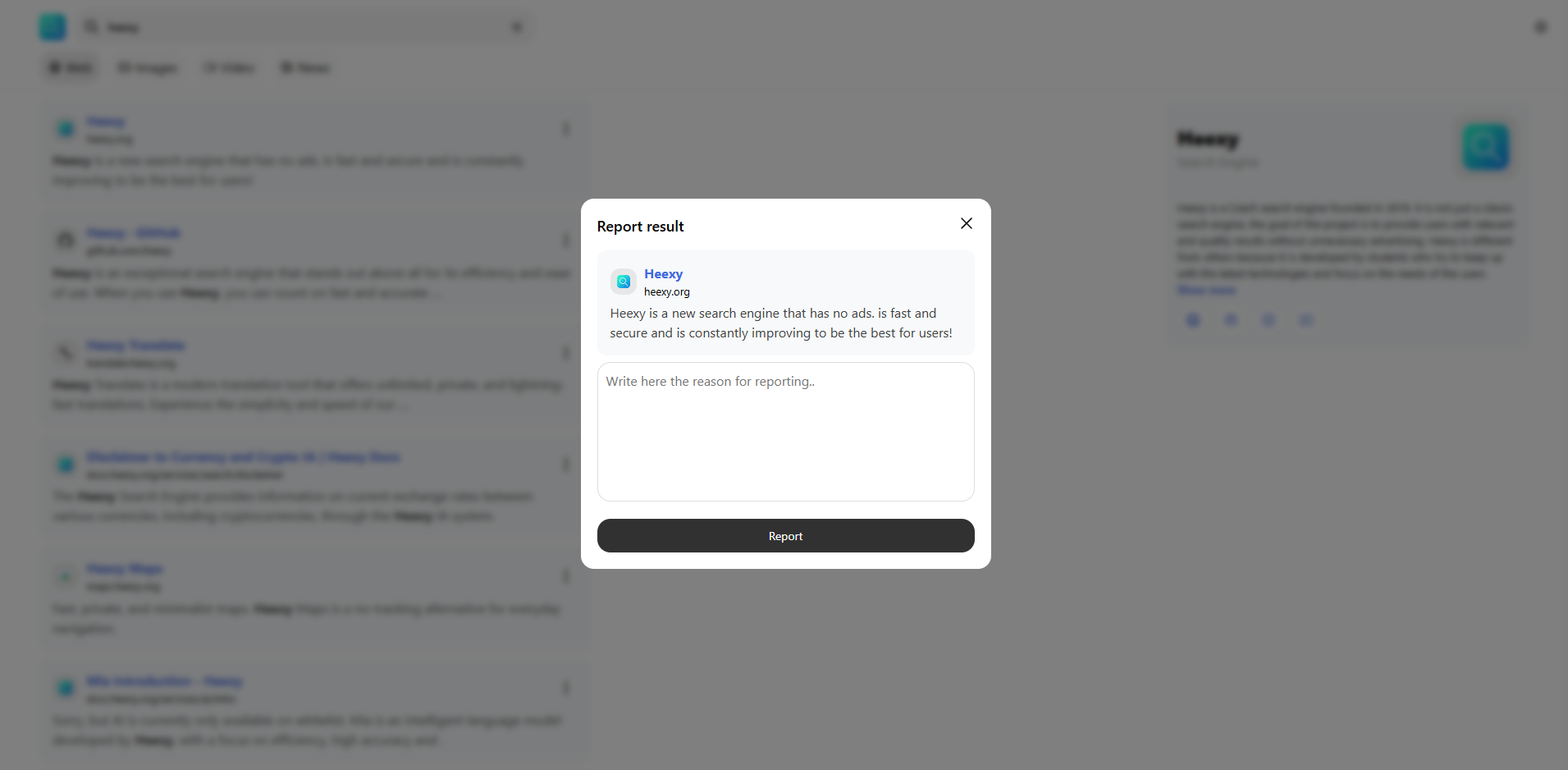
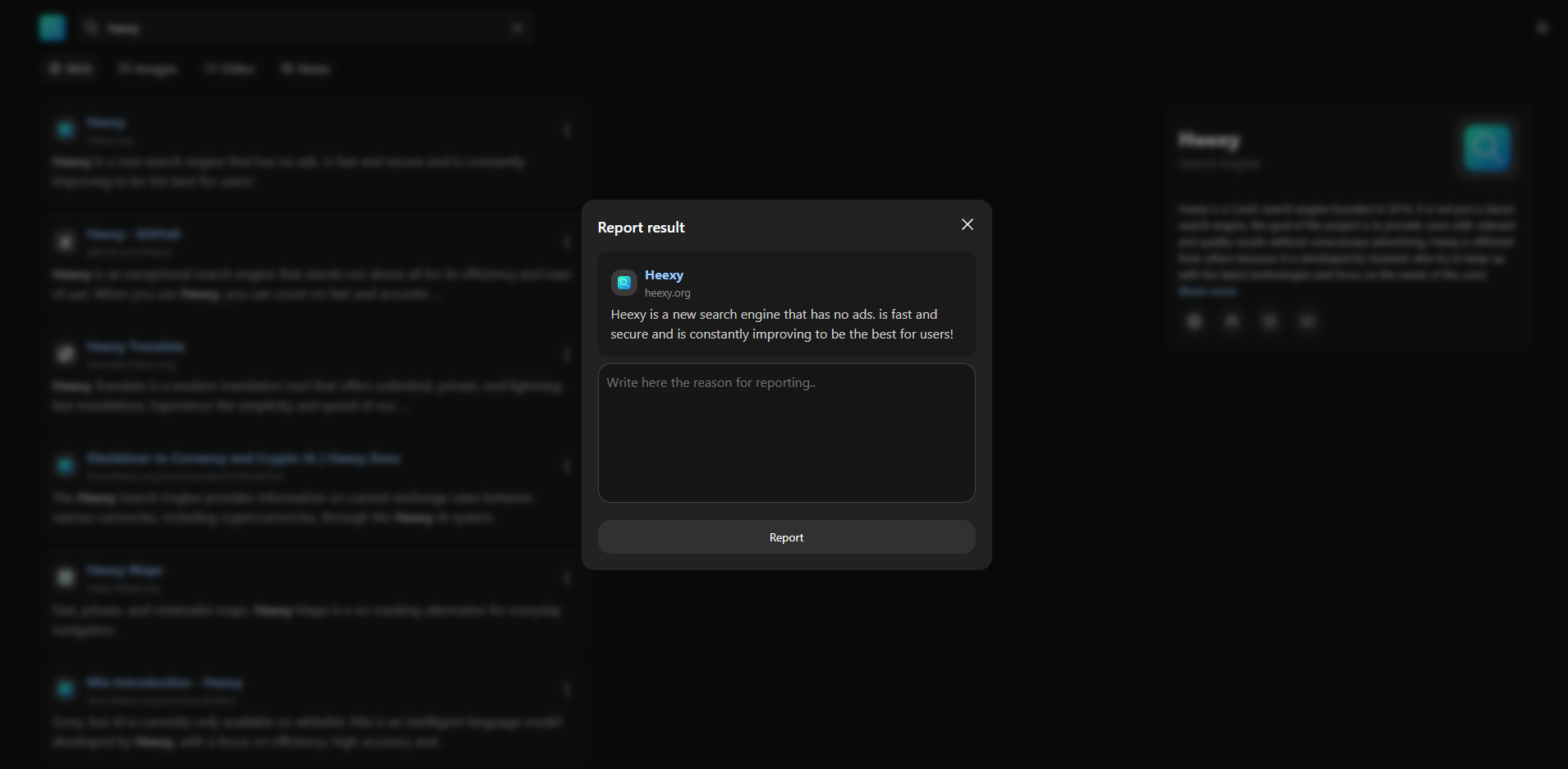
Heexy allows you to report search results that you believe are inappropriate, misleading, or harmful. This helps us maintain a high-quality search experience for all users.
🚩 How to Report a Result?
- Perform a Search: Enter your query in the Heexy search bar and view the results.
- Find the Result: Locate the search result you want to report.
- Click on the three dots menu: next to the result.
- Write reason: Write a brief description of why you are reporting this result.
- Submit the Report:: Click the Report button to send your report to the Heexy team.
📜 Reasons for Reporting
- Inappropriate Content: The result contains offensive, harmful, or illegal content.
- Misleading Information: The result provides false or misleading information.
- Spam: The result is spam, irrelevant, or promotional content that does not add value.
- Privacy Violation: The result violates someone's privacy or contains personal information without consent.
- Other: Any other reason that does not fit the above categories.
🛡️ What Happens After Reporting?
Your report will be reviewed by the Heexy team, and appropriate action will be taken if necessary. We appreciate your help in keeping Heexy a safe and reliable search engine.
warning
Abuse of the system may lead to account penalties or blocking of access to Heexy. (This includes spam, false reports, or any other misuse of the reporting feature.) Please use the reporting feature responsibly.