How do I create an account?
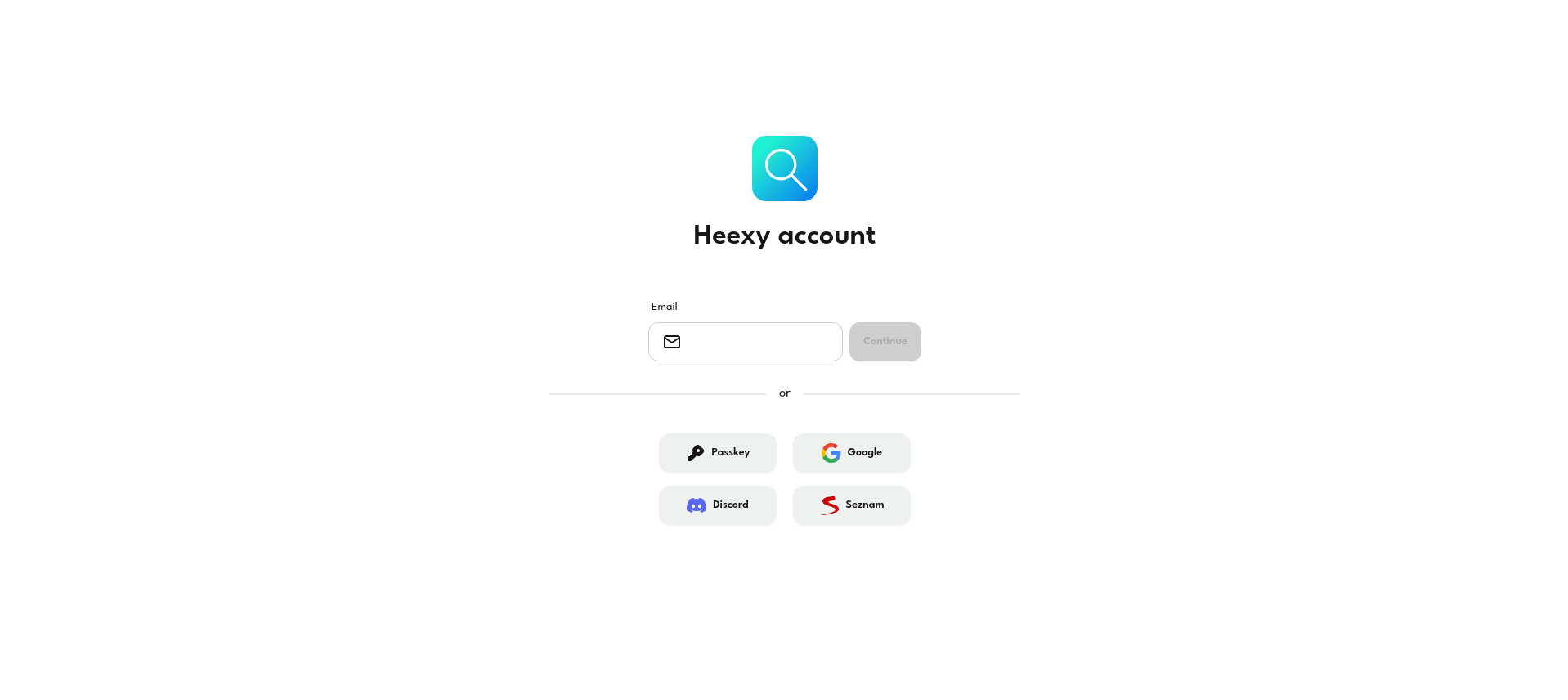
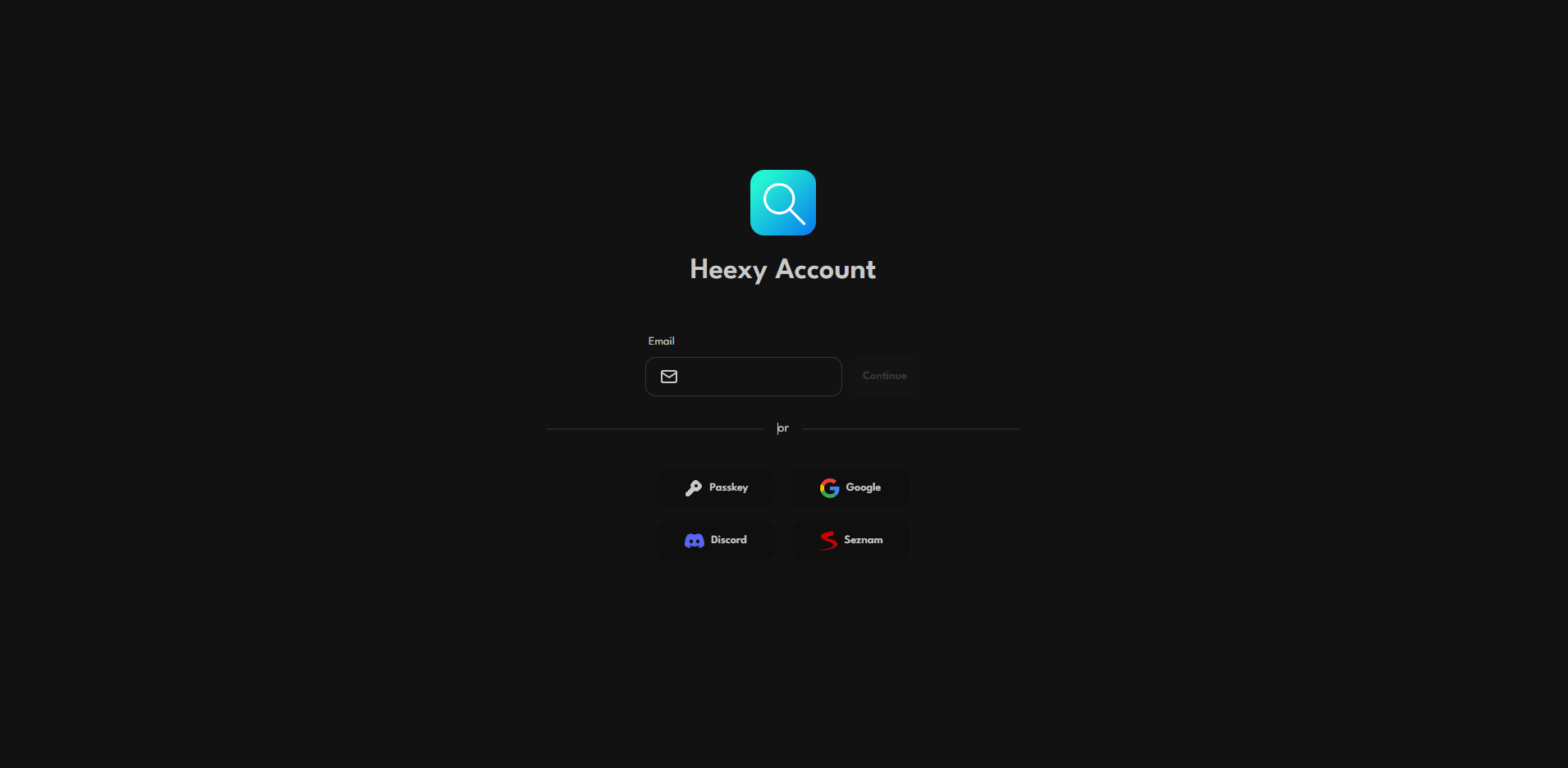
👀 Create a Heexy account using your email
- Go to the Heexy Account page.
- Write your email in the input field.
- Click on the Continue button.
- Check your email for a verification link.
- Note: If you don't see the email, check your spam folder.
- Click on the link to verify your email.
- Done! You can now use your Heexy account.
🚀 Create a Heexy account using 0Auth
- Go to the Heexy Account page.
- Click on the logo of the service you want to use for authentication (e.g., Google, Discord, etc.).
- You will be redirected to the service's login page.
- After authorization, you will be redirected back to Heexy, and your account will be created automatically.
warning
Heexy will never ask for your login details anywhere except account.heexy.org. Always make sure that you're on the official Heexy domain before entering any sensitive information.