Resseting passwords
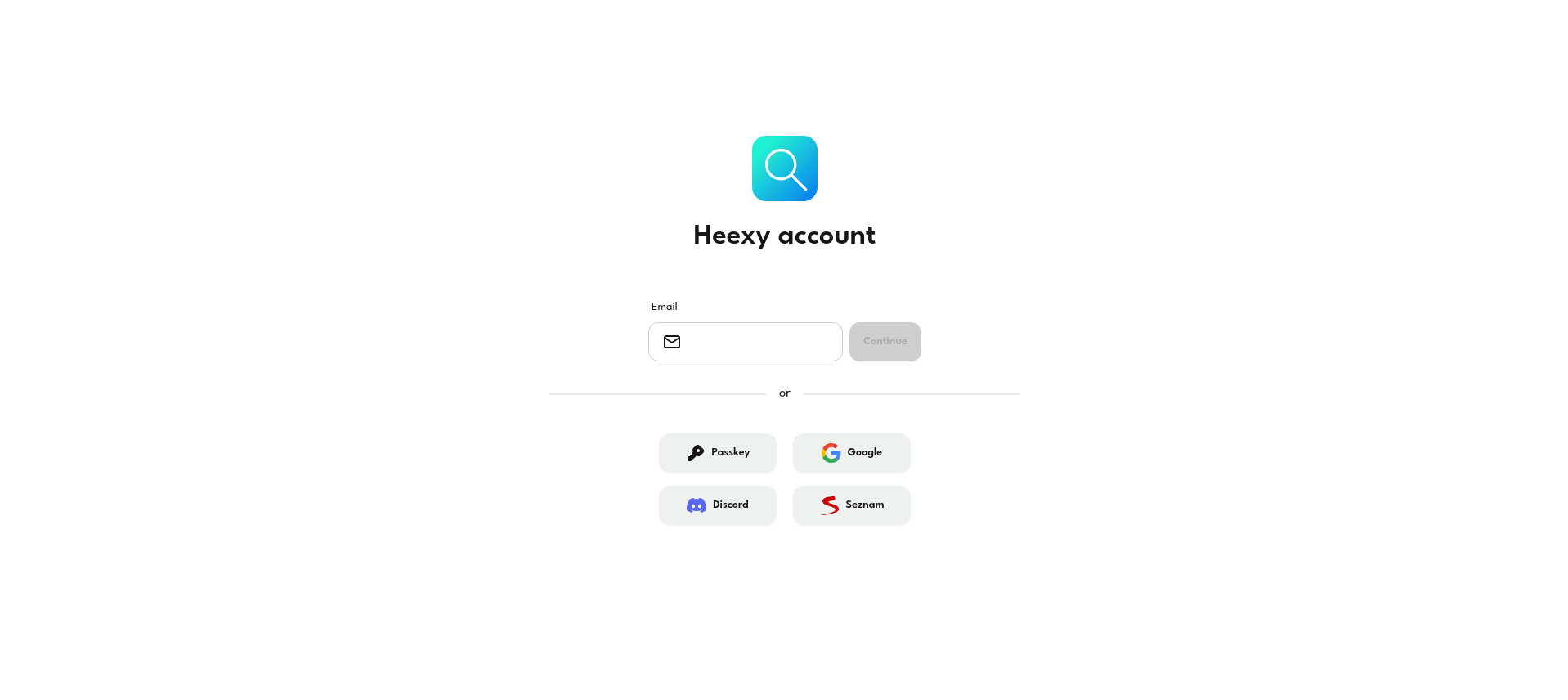
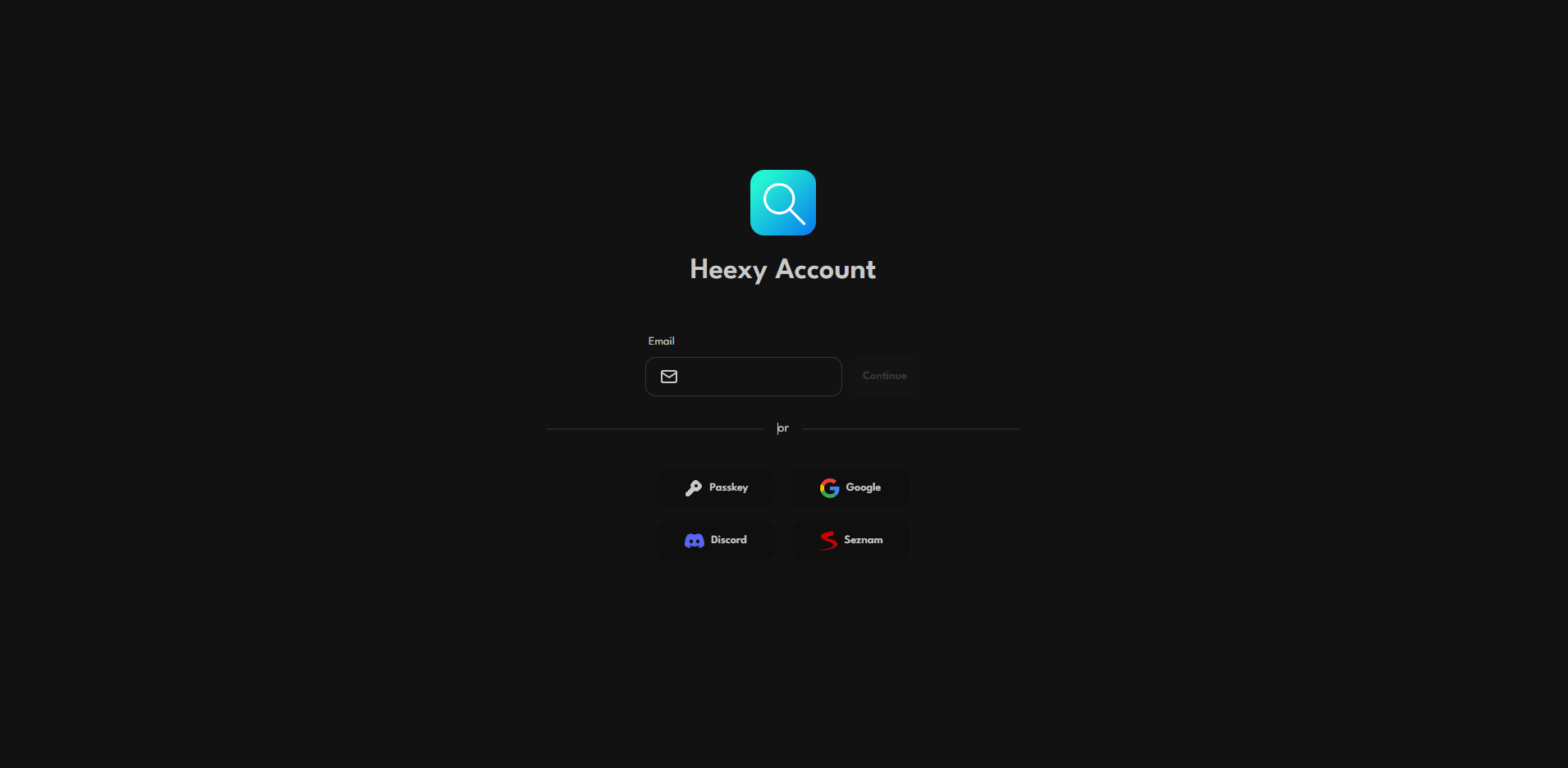
- Go to the Heexy Account page.
- Click on the input field and enter your email.
- Click on the Continue button.
- Check your email for a password reset link.
Note: If you don't see the email, check your spam folder.
- Click the one-time login link that has been sent to your email.
- Login to your account.
- Change your password in the settings.
warning
Never give your one-time login link to anyone, no matter how trustworthy they sound.
Never reset passwords on public WiFi networks.